FIR Filter Designer — MiniDSP Subwoofer Room Correction
Introducing the FIR Filter Designer — a precision tool for generating FIR (Finite Impulse Response) correction filters from Room EQ Wizard measurements, specifically designed for the MiniDSP 2×4HD.
What It Does
Upload a REW .dat measurement file from your subwoofer, and the system designs a custom FIR equalization filter that flattens your room response. Export the coefficients directly in MiniDSP-compatible format and load them into your processor.
Features
- REW .dat Import — Parses frequency, magnitude, and phase data from Room EQ Wizard measurements
- Interactive Filter Design — Adjust taps (63–1490), cutoff frequencies, gain limits, rolloff slopes, and window functions in real-time
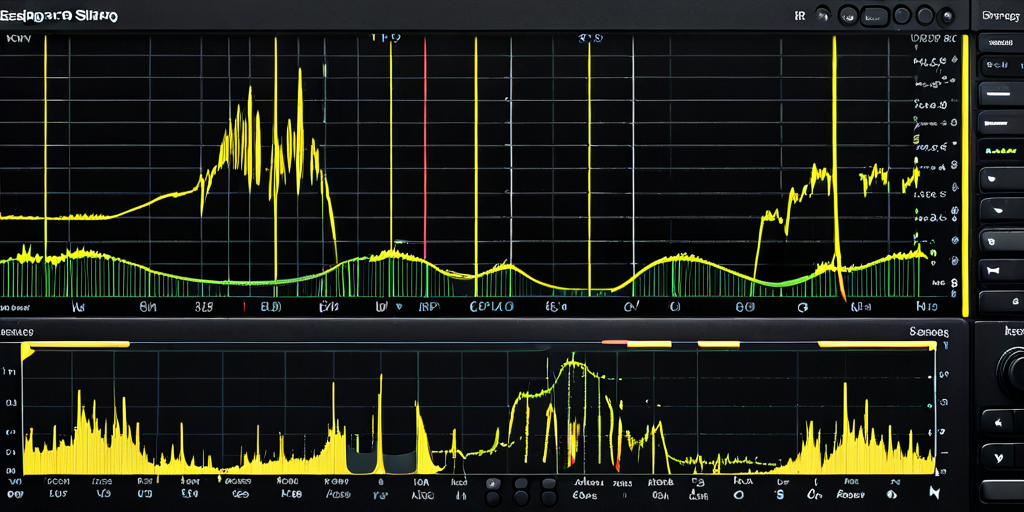
- Live Visualization — Three chart views: measured response, filter correction curve, and corrected result (measurement + filter)
- MiniDSP Export — Downloads coefficients in
.dataformat (ready for MiniDSP Configuration Utility), plus.csvand.txtalternatives - 48kHz / 1490-tap Support — Full resolution matching the MiniDSP 2×4HD hardware limits
How to Use
- Take a measurement of your subwoofer with Room EQ Wizard (swept sine recommended)
- Export as
.datfile - Upload to FIR Designer, adjust parameters, click "Design FIR Filter"
- Review the corrected response chart
- Download the
.datafile and import into MiniDSP Configuration Utility → FIR tab
Try it: FIR Filter Designer